All-in-one caption & video
editing tool for everyone
Everything you need to subtitle, edit and style your videos without switching between apps
Try it for free
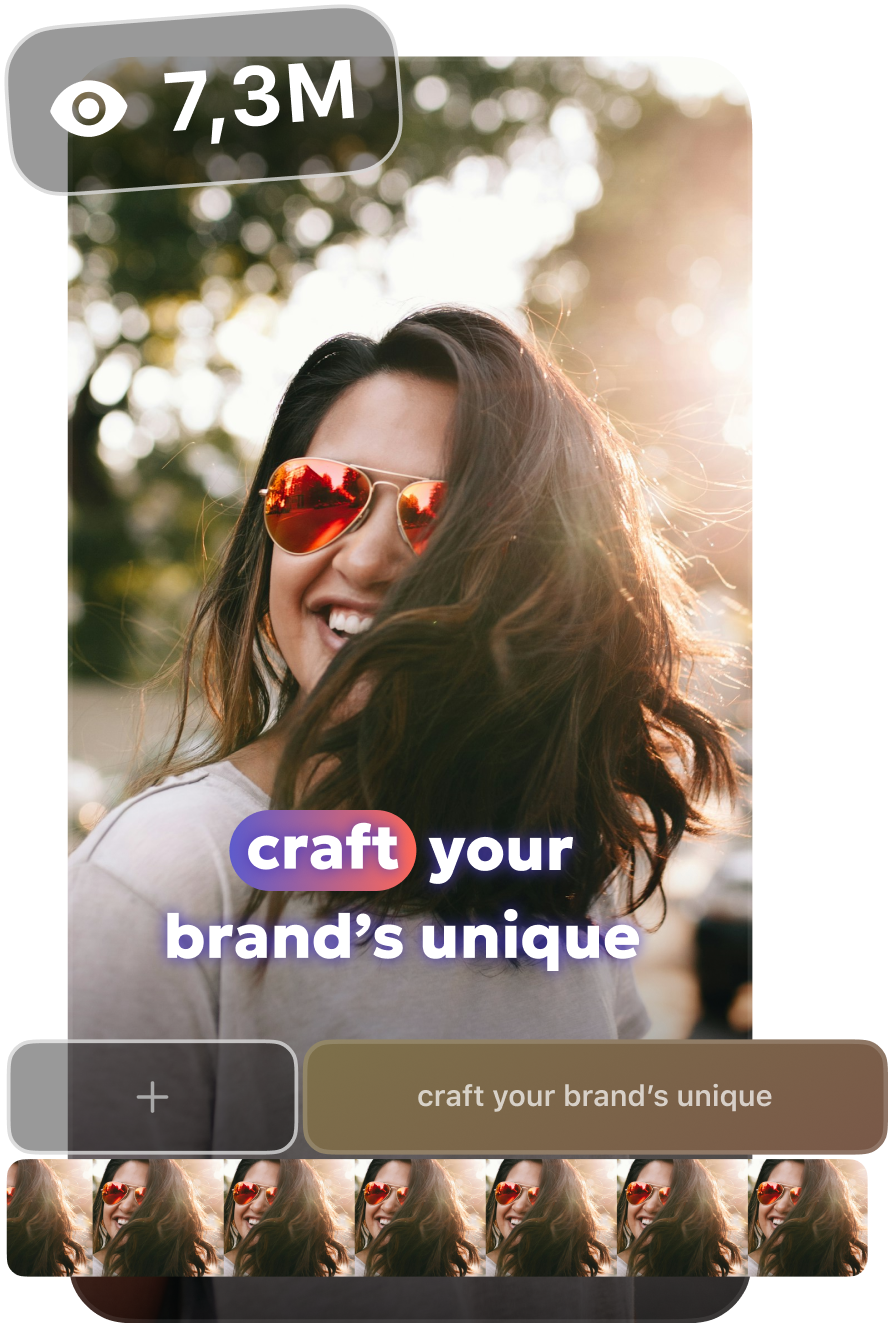
AI subtitles
Generate the most accurate subtitles
in one tap
- Add subtitles in seconds with AI
- Automatically detects any language
- Works across accents and speaking styles
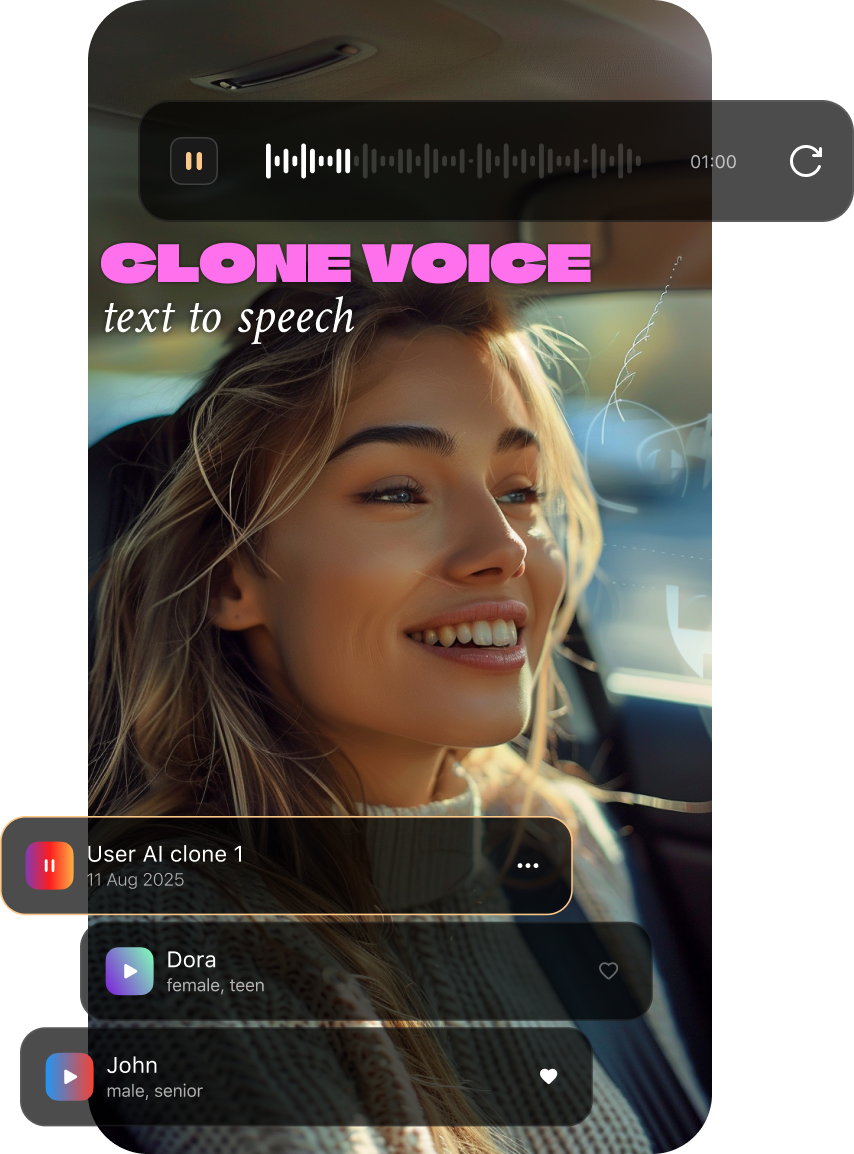
AI voiceover
Create ultra-realistic AI voiceovers
instantly
- Choose from natural voices in 30+ languages
- Perfect clarity across accents and speaking styles
- Add professional narration to any video in seconds
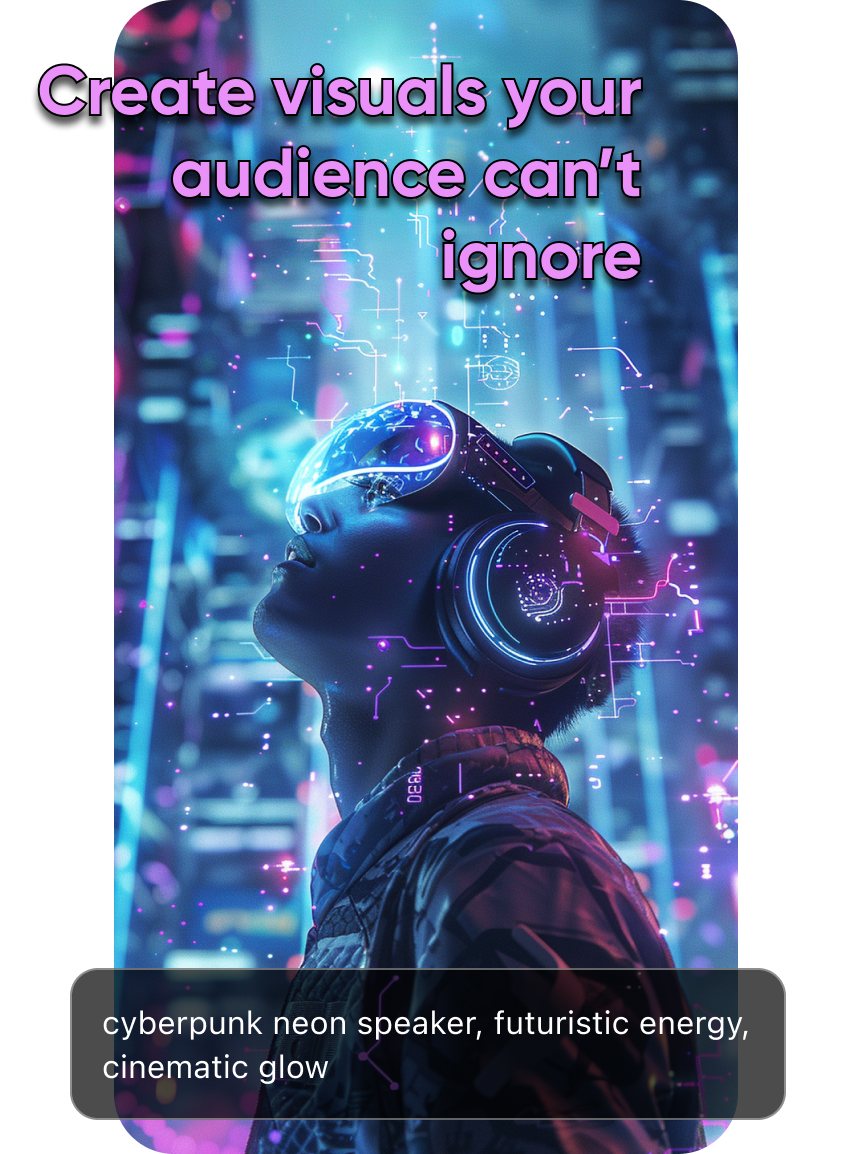
AI images
AI images that level up
your content
- Generate eye-catching visuals in seconds
- Endless styles - from cinematic to minimal to bold
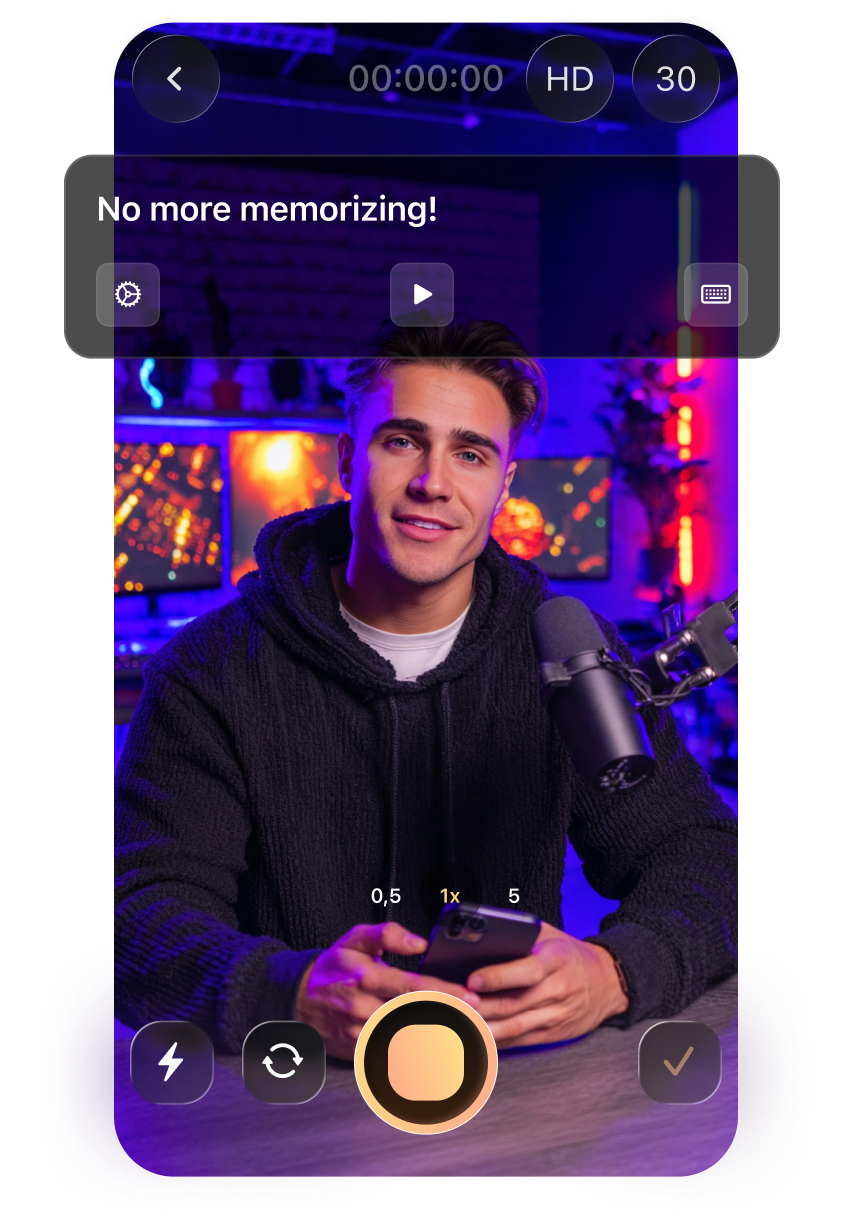
Teleprompter
Record confidently
with the built-in teleprompter
- Keep perfect eye contact while your script scrolls
- Adjust speed, size, and position of the text
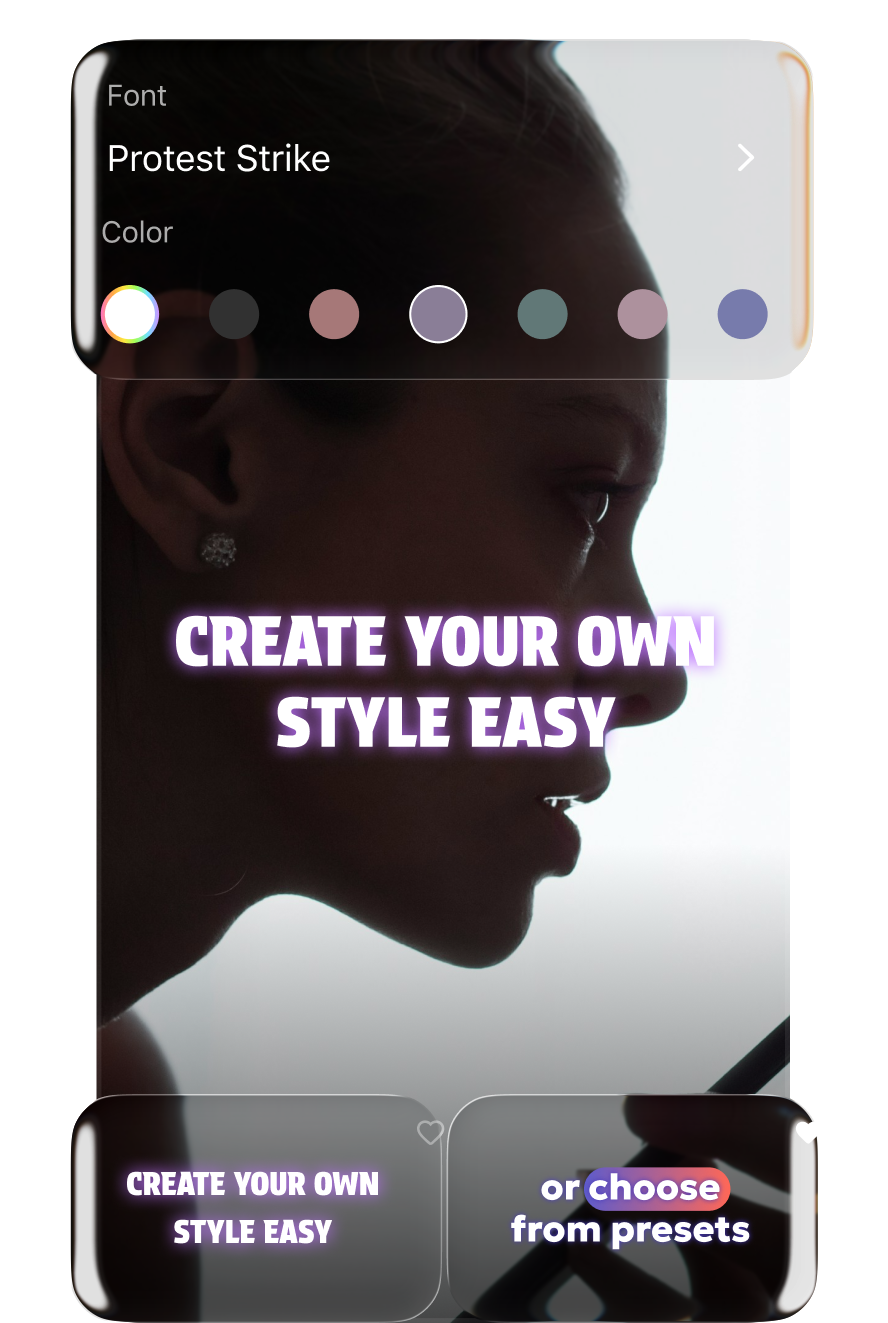
AI script
Never run out of ideas again
- AI writes your hook, script, pacing, and CTA
- Tailored to your topic, style, and audience
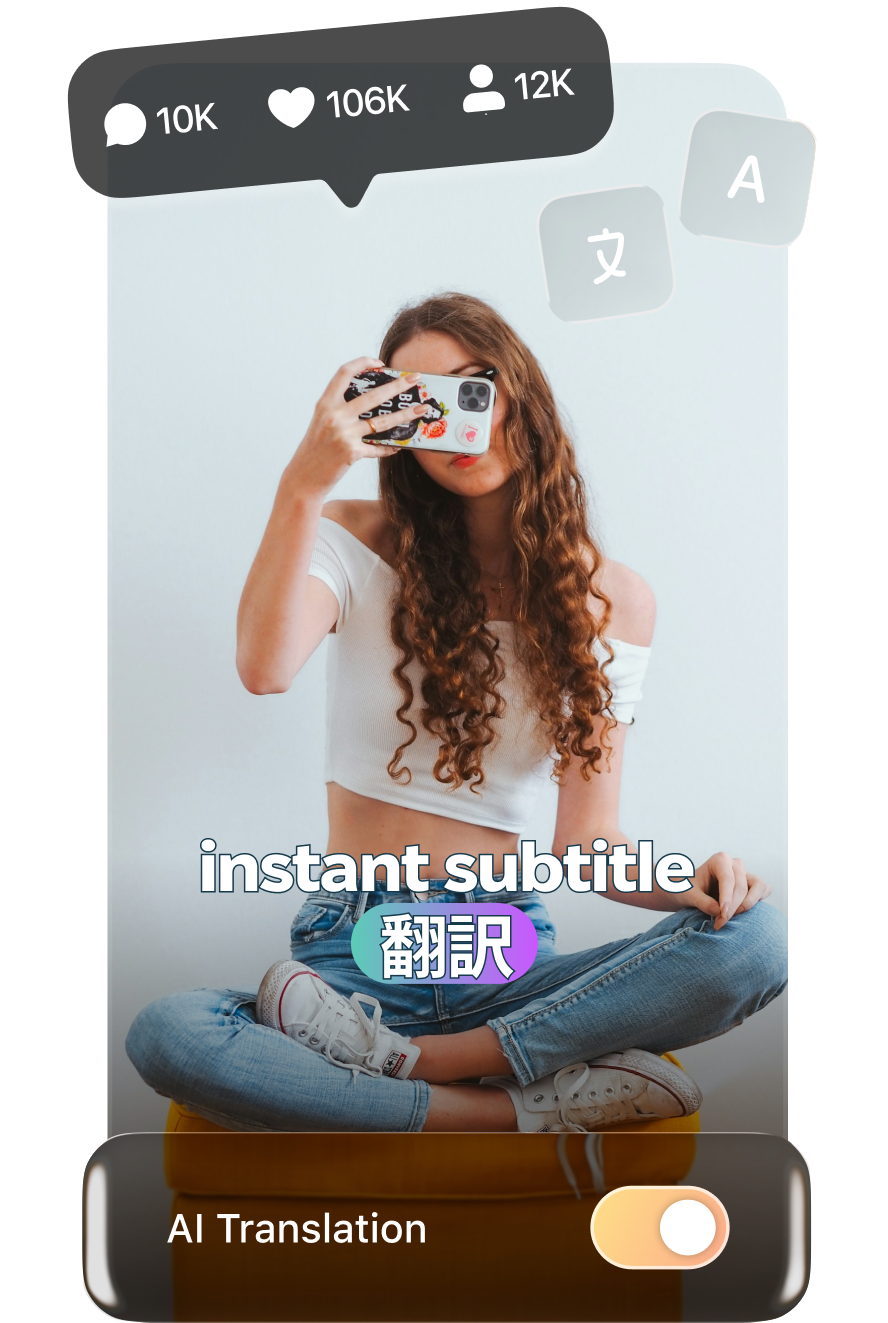
AI subtitles
Translate subtitles in one tap
- Accurate caption translation into 25+ languages
- Built for creators, marketers, global teams
- Go worldwide without extra tools!
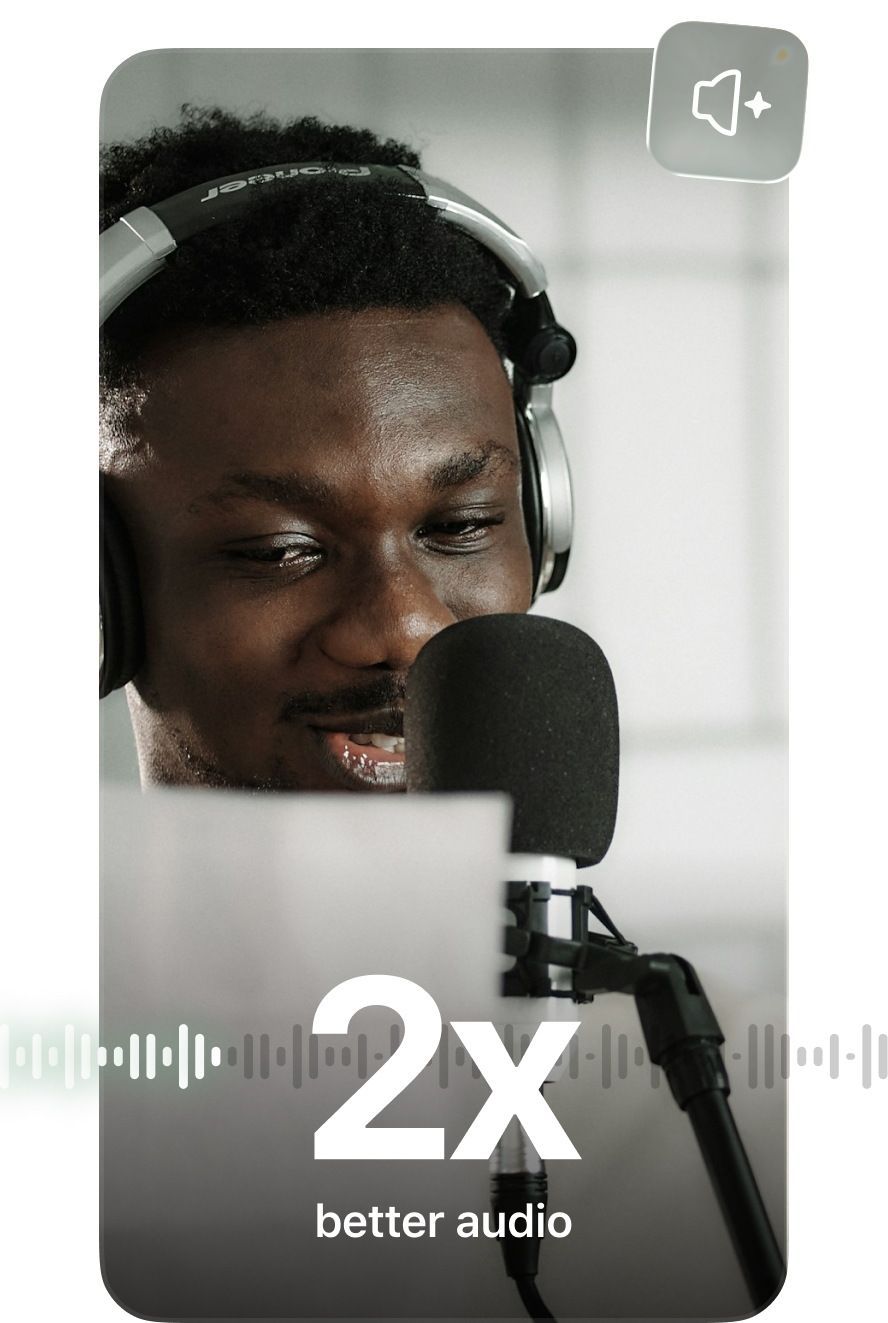
AI denoise
Fix bad audio – get
studio - level sound
- AI removes noise and enhances clarity
- Boosts your voice automatically
- No need for a rancy mic, just your phone
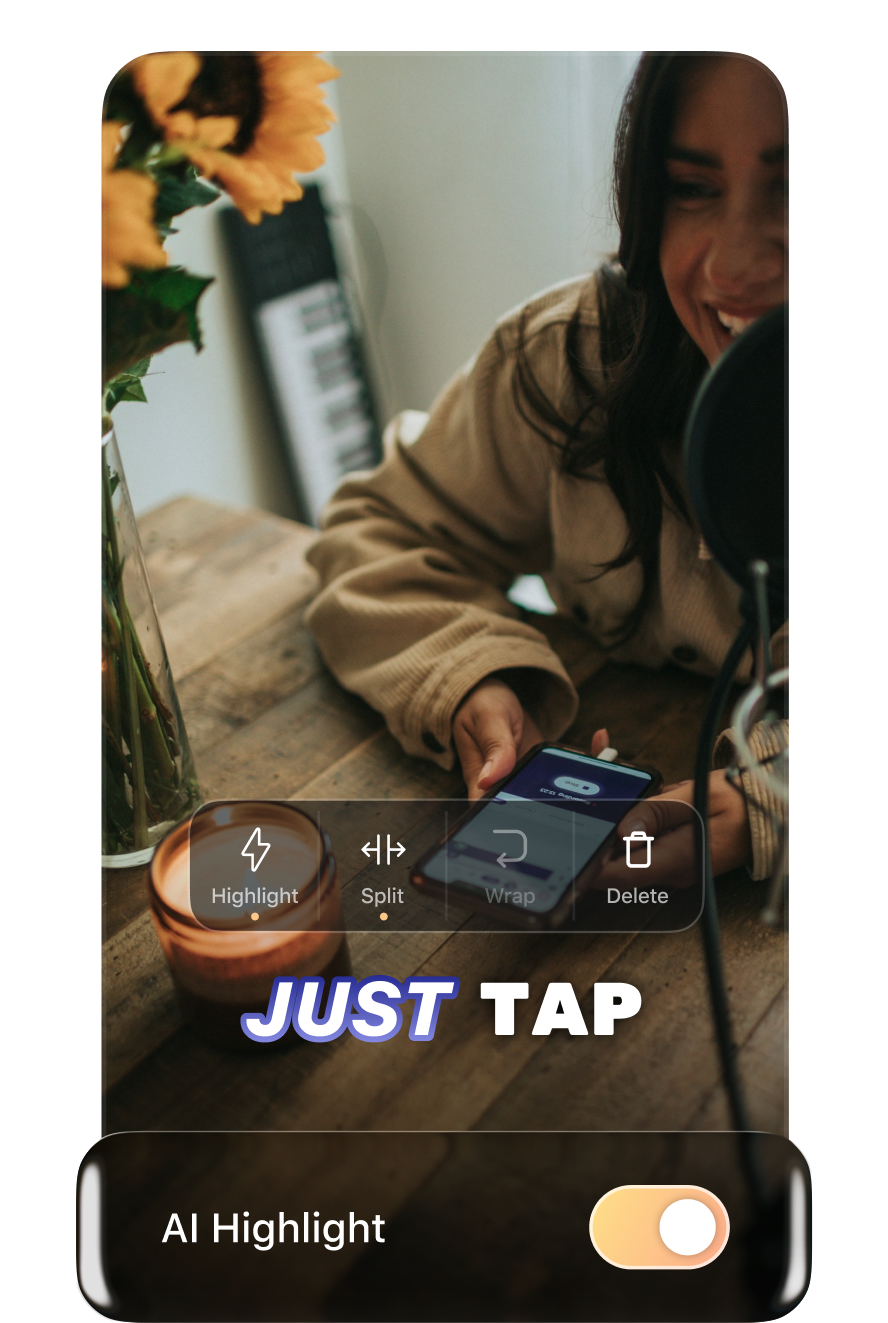
AI subtitles
Highlight key words automatically with AI
- AI analyzes context and automatically highlights the most meaningful words in your captions
- Adjust highlights visually in the editor
Video editor
Edit your video
like a Pro
- Easy video editing – cut, split, flip, and drag & drop with ease
- Rich toolkit – add GIFs, audio, text, filters, and stickers
- High-quality export – save your video in 720p, 1080p, or 4K
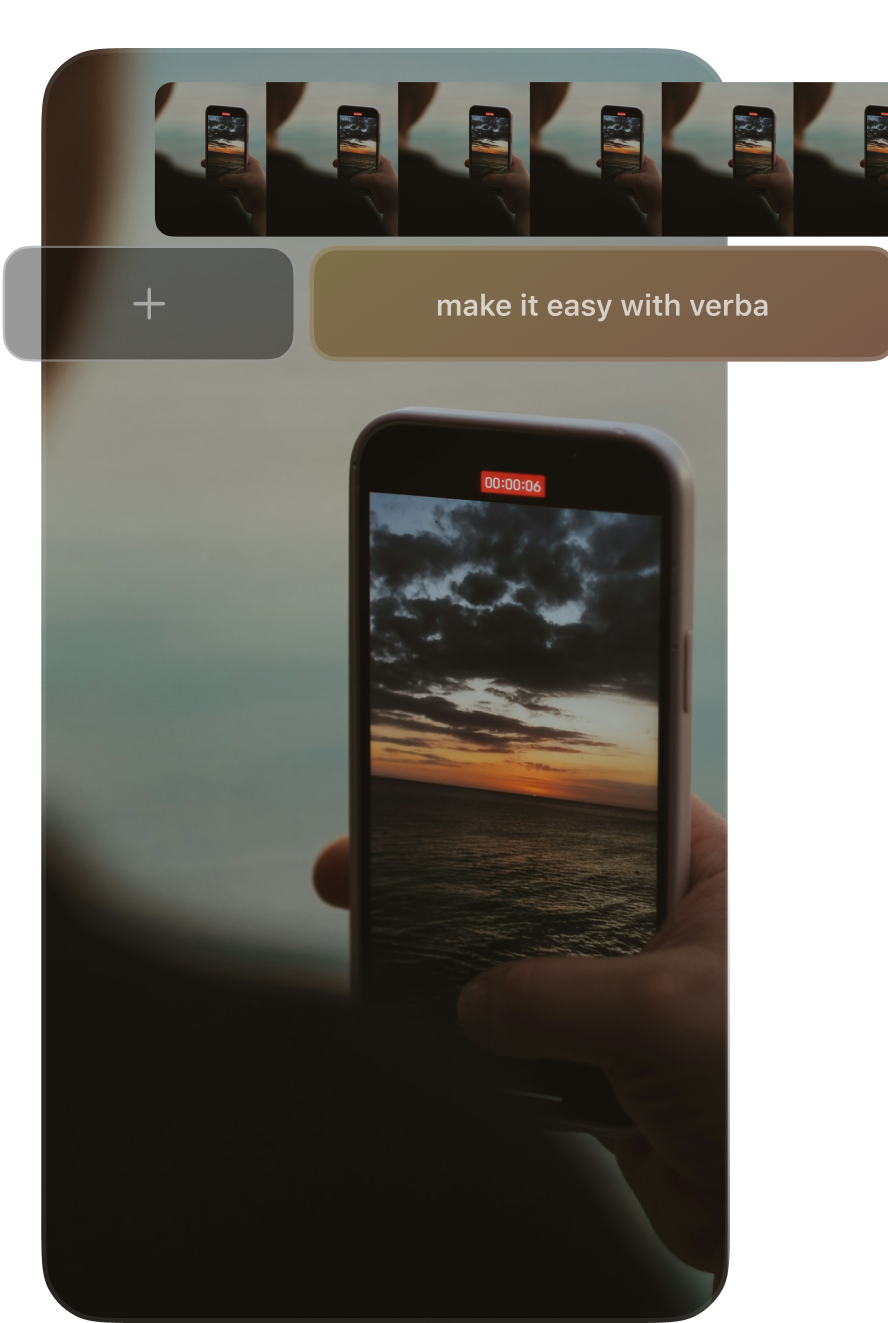
Ready to create your
high-quality content?
Try it for free
Trusted by creators
worldwide
Join thousands of video creators to boost views, engagement, and growth!
Try it for free
38K+
Monthly active users
357K+
Installs
495K+
Monthly created videos
Frequently asked
questions

Who is Verba built for?
Verba is tailored for all content creators, like social media managers, educators, marketers, and coaches, for anyone who shares video content and wants it to perform better with zero hassle!
Do I need video editing skills to use Verba?
Not at all! Verba is designed for everyone. Just upload your video, and our AI does the rest. It’s drag-and-drop simple!
Can Verba help my content go viral?
Absolutely. With eye-catching fonts, animations, and keyword highlights, Verba captions don’t just inform, they grab attention! Stand out in feeds and boost watch time instantly.
Is Verba good for multilingual content?
Yes! Verba translates subtitles into 25+ languages with one click. Perfect for global creators, international brands, or anyone growing a diverse audience.
Hit your content goals 10x faster
with our all-in-one AI-powered editing tool!
Try it for free

All-in-one caption & video
editing tool for everyone
Everything you need to subtitle, edit and style your videos without switching between apps
Try it for free
AI subtitles
Generate the most accurate subtitles
in one tap
- Add subtitles in seconds with AI
- Automatically detects any language
- Works across accents and speaking styles
AI voiceover
Create ultra-realistic AI voiceovers
instantly
- Choose from natural voices in 30+ languages
- Perfect clarity across accents and speaking styles
- Add professional narration to any video in seconds
AI images
AI images that level up
your content
- Generate eye-catching visuals in seconds
- Endless styles - from cinematic to minimal to bold
Teleprompter
Record confidently
with the built-in teleprompter
- Keep perfect eye contact while your script scrolls
- Adjust speed, size, and position of the text
AI script
Never run out of ideas again
- AI writes your hook, script, pacing, and CTA
- Tailored to your topic, style, and audience
AI subtitles
Translate subtitles in one tap
- Accurate caption translation into 25+ languages
- Built for creators, marketers, global teams
- Go worldwide without extra tools!
AI denoise
Fix bad audio – get
studio - level sound
- AI removes noise and enhances clarity
- Boosts your voice automatically
- No need for a fancy mic, just your phone
AI subtitles
Highlight key words automatically with AI
- AI analyzes context and automatically highlights the most meaningful words in your captions
- Adjust highlights visually in the editor

Video editor
Edit your video
like a Pro
- Easy video editing – cut, split, flip, and drag & drop with ease
- Rich toolkit – add GIFs, audio, text, filters, and stickers
- High-quality export – save your video in 720p, 1080p, or 4K
Ready to create your
high-quality content?
Try it for free
Trusted by creators
worldwide
Join thousands of video creators to boost views, engagement, and growth!
Try it for free
38K+
Monthly active users
357K+
Installs
495K+
Monthly created videos
Frequently asked
questions
Who is Verba built for?
Verba is tailored for all content creators, like social media managers, educators, marketers, and coaches, for anyone who shares video content and wants it to perform better with zero hassle!
Do I need video editing skills to use Verba?
Not at all! Verba is designed for everyone. Just upload your video, and our AI does the rest. It’s drag-and-drop simple!
Can Verba help my content go viral?
Absolutely. With eye-catching fonts, animations, and keyword highlights, Verba captions don’t just inform, they grab attention! Stand out in feeds and boost watch time instantly.
Is Verba good for multilingual content?
Yes! Verba translates subtitles into 25+ languages with one click. Perfect for global creators, international brands, or anyone growing a diverse audience.
Hit your content goals 10x faster
with our all-in-one AI-powered editing tool!
Try it for free